Why can emoji be sent to any phone?
 Let's start with the number that every emoji carries.
Because every emoji has a worldwide number set by a standard called Unicode. What your phone sends is not the picture itself but this number. The receiving phone then shows the emoji for that number using its own picture. That is why the same emoji can look a little different on different phones.
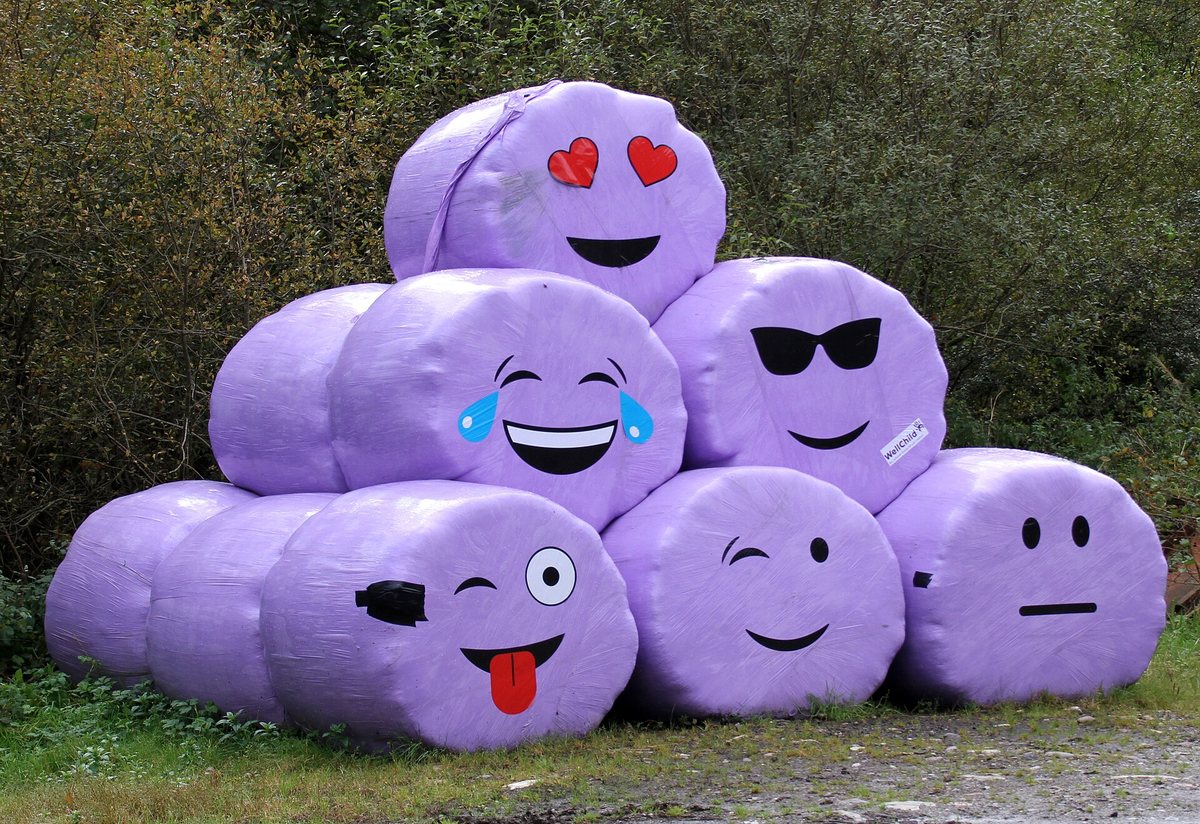
Each emoji has a worldwide number
Emoji can be sent to any phone because each emoji has a number shared around the world. These numbers are set by Unicode, a standard that gives numbers to the world's characters, and the standard is made by a group called the Unicode Consortium. For example, the honey pot emoji has the number U+1F36F.
Phones send a number, not a picture
When you send an emoji, your phone tells the other phone this number, not the picture itself. The receiving phone then shows the emoji that matches the number, using its own picture. The Unicode Consortium explains that it does not design or hand out emoji images. So the same emoji number can look quite different depending on the phone or company.
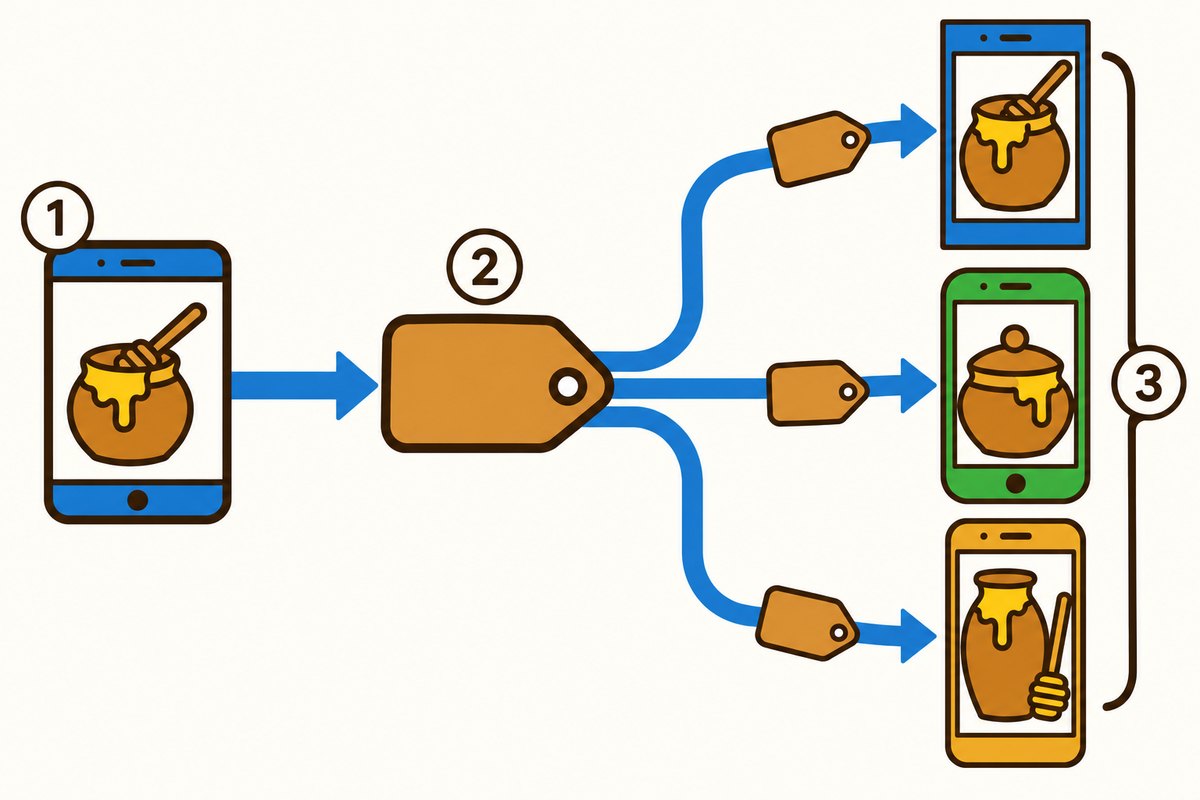
- 1The phone where the emoji is picked and sent
- 2What travels is a number, not a picture
- 3Each receiving phone shows it with its own artwork
It started with Japanese phones
According to Unicode's emoji standard, emoji became available on Japanese mobile phones in 1999. The word emoji itself comes from Japanese words for picture and written character. But back then, each mobile phone company wrote emoji in its own way, and the systems did not match. When an emoji was sent to a phone from another company, it could turn into a placeholder mark or disappear.
Joining Unicode in 2010
So emoji were added to Unicode, and in 2010, the remaining 608 emoji and some others joined Unicode 6.0. That is how emoji came to be written with numbers shared around the world. New emoji ideas are still accepted, and a special working group reviews them, but only a very small share is chosen.
Based on Unicode's emoji standard.
Want to know more?
- Several emoji can be joined into one picture with an invisible character called ZWJ. On devices that do not support it, they show up as separate emoji.
- The skin tone of a person emoji is shown by adding a special skin tone character right after the emoji.
- A special character can also choose whether an emoji appears in color or as a plain shape in the same color as the text around it.
Quick quiz: test yourself
Remember what you just read? Give it a try!When you send an emoji, what does your phone actually send?
Show the answer
- A number shared worldwide
- The emoji picture itself
- The emoji's name
A number shared worldwide Every emoji has a worldwide number, and the phone sends that number. The receiving phone shows it with its own picture.
Every emoji has a worldwide number, and the phone sends that number. The receiving phone shows it with its own picture.
Next quiz ›Sources
- UTS #51: Unicode EmojiUnicode Consortium(ユニコード・コンソーシアム)
- FAQ - Emoji & PictographsUnicode Consortium(ユニコード・コンソーシアム)
- Guidelines for Submitting Unicode Emoji ProposalsUnicode Consortium(ユニコード・コンソーシアム)
This article was written after checking the sources above as of 2026-10-03. Explanations may change as research progresses. Photo credits are shown below each photo.
Next fun fact ▶
 TechnologyWhat does airplane mode actually do?We switch on airplane mode when we fly. Do you know what it actually turns off?

40 surprising animal facts with big photos and short, easy text. A fun-facts book for kids and grown-ups to read together.
See it on Amazon